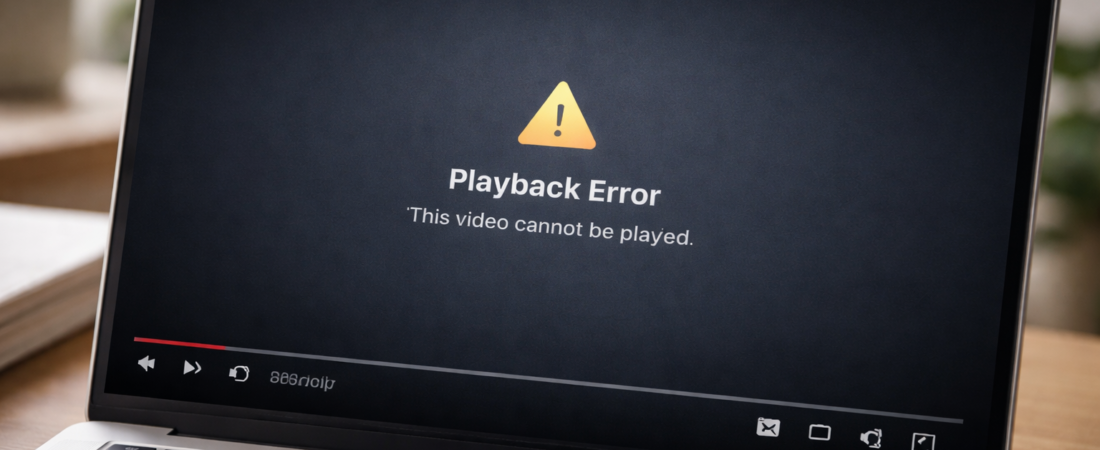
When an MP4 video file refuses to play at all, it usually means the file structure has been damaged.
This can happen during recording, transfer, or storage. The key is identifying whether the file is partially corrupted or completely unusable.
Before trying repair software, work through the steps below.
Step 1: Check the File Size
Right-click the file and select Properties.
If the file size looks normal (for example, hundreds of MB for a longer video), there is a reasonable chance the data still exists.
If the file size is only a few kilobytes, the recording likely never completed properly. In that case, recovery is unlikely.
File size is the quickest reality check.
Step 2: Try a Different Media Player
Sometimes the file is not fully corrupted — it just isn’t compatible with the default player.
Try:
-
VLC Media Player
-
Another device
-
A different computer
If it still will not open, the issue is probably structural damage inside the file.
Step 3: Copy the File to a Different Drive
If the file is stored on:
-
An SD card
-
A USB drive
-
An external hard drive
Copy it to your internal computer storage before attempting any repair.
Storage devices sometimes cause read errors that look like corruption.
Step 4: Identify How the Corruption Happened
Common causes include:
-
Power loss during recording
-
Removing the SD card too early
-
Interrupted file transfer
-
Device crash while saving
-
Full storage at the time of recording
Understanding the cause helps set expectations.
If the recording was interrupted before finishing, some video data may never have been written to the file.
Step 5: When Repair Software Is Worth Trying
If:
-
The file size appears normal
-
The video was mostly recorded before interruption
-
The file previously worked but stopped after transfer
Repair software may be able to rebuild the internal structure of the MP4 container.
These tools attempt to reconstruct damaged headers and index tables so media players can read the video stream again.
However, they cannot recreate footage that was never saved.
For a realistic breakdown of which tools are most likely to succeed — and when recovery is unlikely — see the guide to Best Software to Repair Corrupted MP4 and MOV Video Files.
That guide explains what typically works, what often fails, and when it may not be worth continuing.
Important Limitations
Repair software does not:
-
Restore missing footage
-
Fix physically damaged storage
-
Recover overwritten data
-
Repair zero-byte files
If the file is extremely small or completely blank, recovery is not possible.
The goal is structural repair — not data recreation.