Latest posts
-
How to Avoid Video File Corruption in the Future
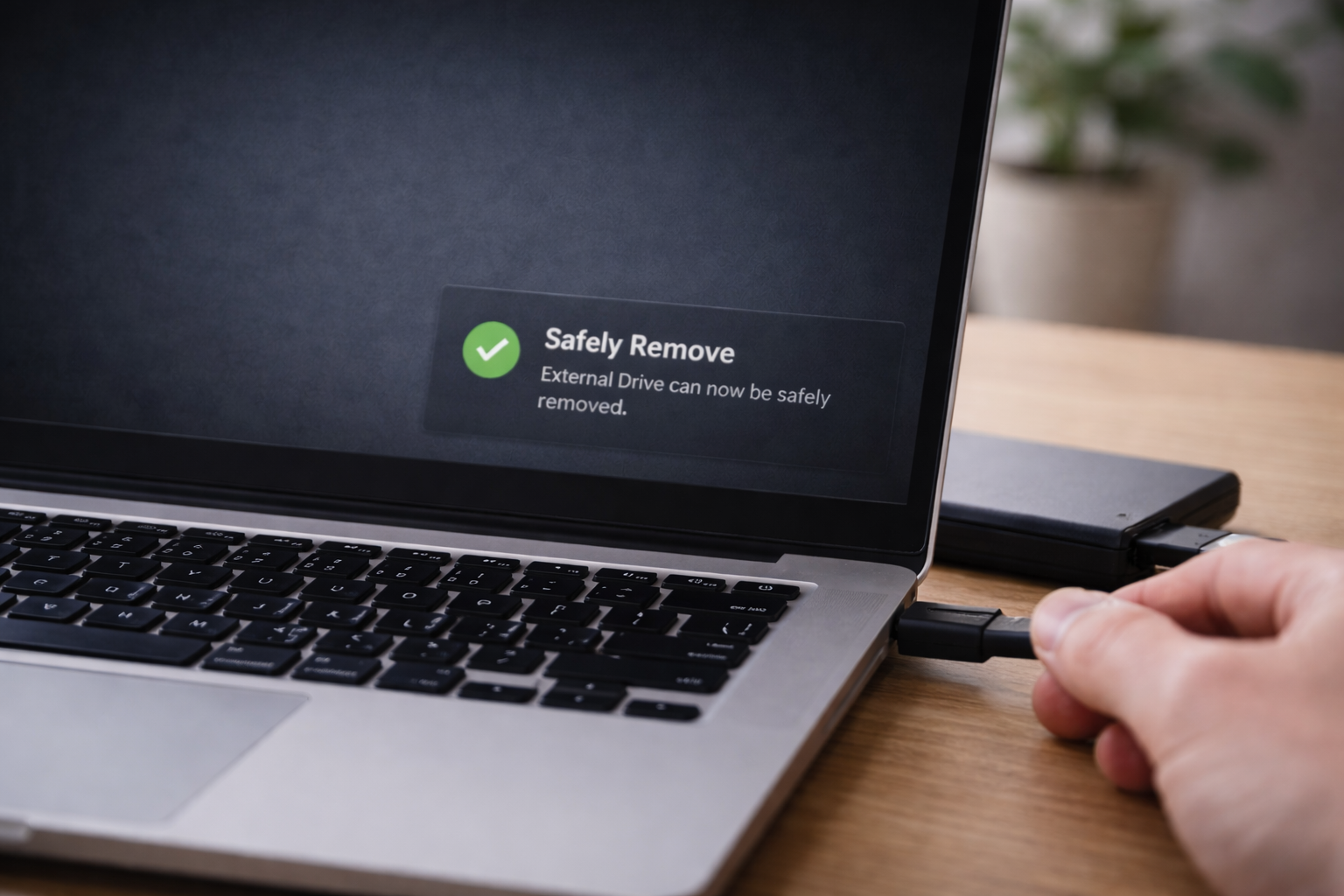
Preventing video corruption is significantly easier than repairing a damaged file. Most corrupted MP4 and MOV files are caused by interruption — not by malware or mysterious software problems. The goal is to reduce interruption during recording and transfer. 1. Never Remove Power During Recording Many cameras and phones finalize video files only after recording
-
MP4 vs MOV Corruption — Does File Format Matter?
When a video file becomes corrupted, many people wonder whether the file format makes a difference. Is MP4 easier to repair than MOV?Or are they equally vulnerable? The short answer: the format matters less than how the file was recorded and saved. How MP4 and MOV Are Similar MP4 and MOV are both container formats.
-
When Video Repair Software Will NOT Recover Your File
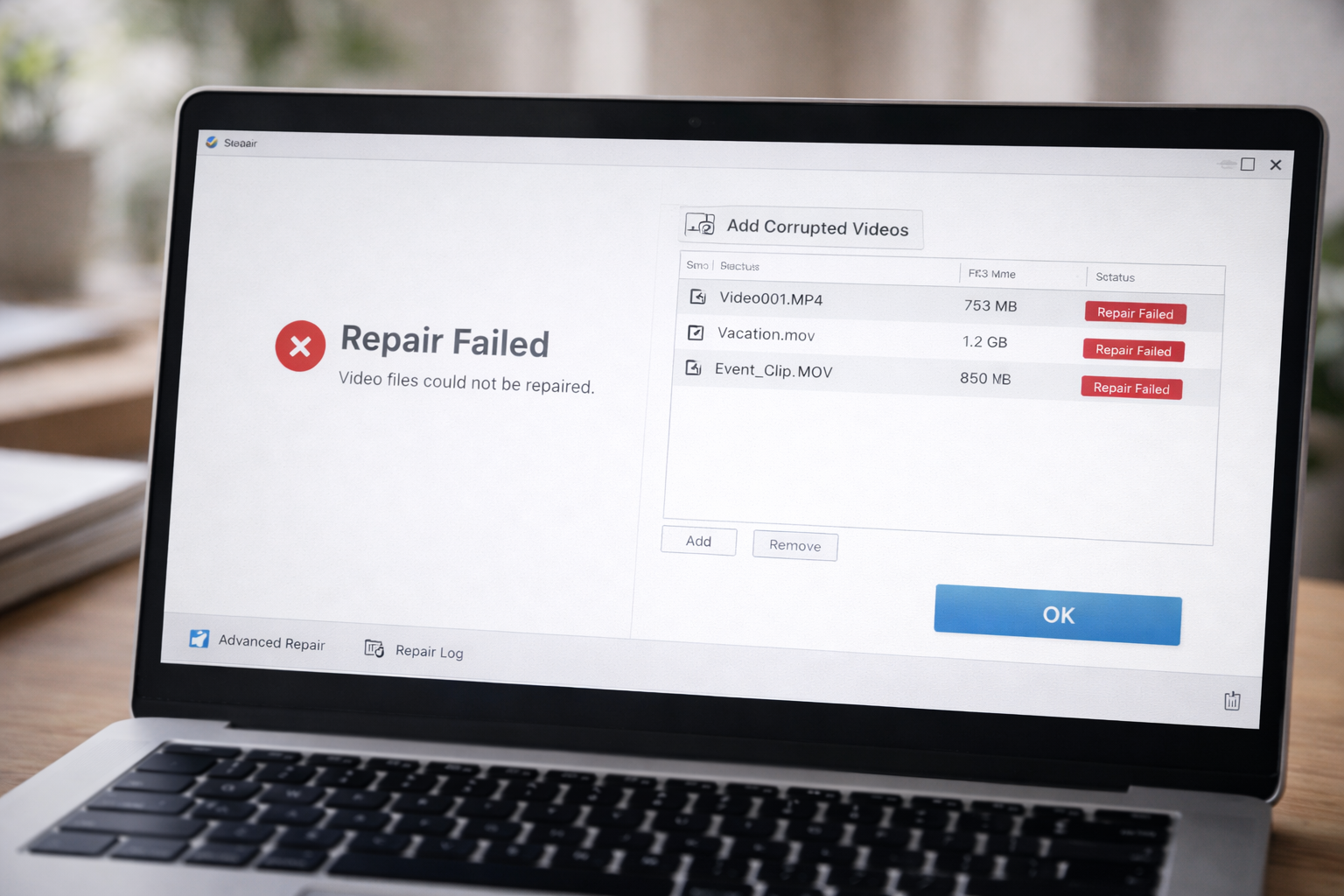
Video repair software can sometimes rebuild a damaged file structure. It cannot recreate video data that was never saved. Understanding the difference is important before spending time or money on recovery attempts. Below are the most common situations where repair software will not work. 1. The File Is Extremely Small (Zero-Byte or Near Zero) If
-
Free Video Repair Tools vs Paid Software — What Actually Works
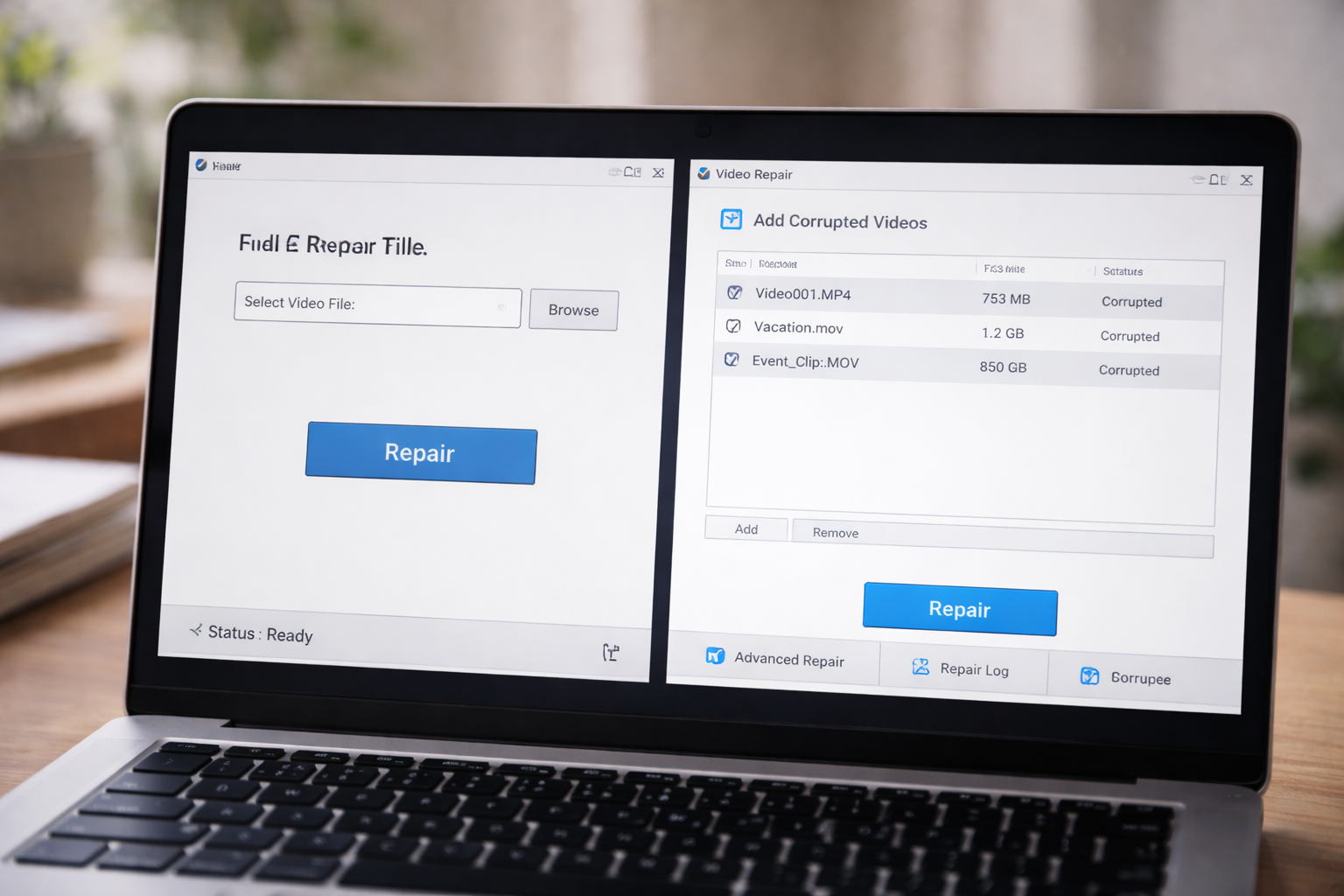
When a video file becomes corrupted, most people look for a free solution first. That makes sense. But expectations need to stay realistic. Some problems can be fixed with basic tools. Others require more advanced repair methods — and some cannot be fixed at all. Understanding the difference helps you avoid wasting time. What Free
-
MOV File Won’t Open in QuickTime — What’s Going Wrong?
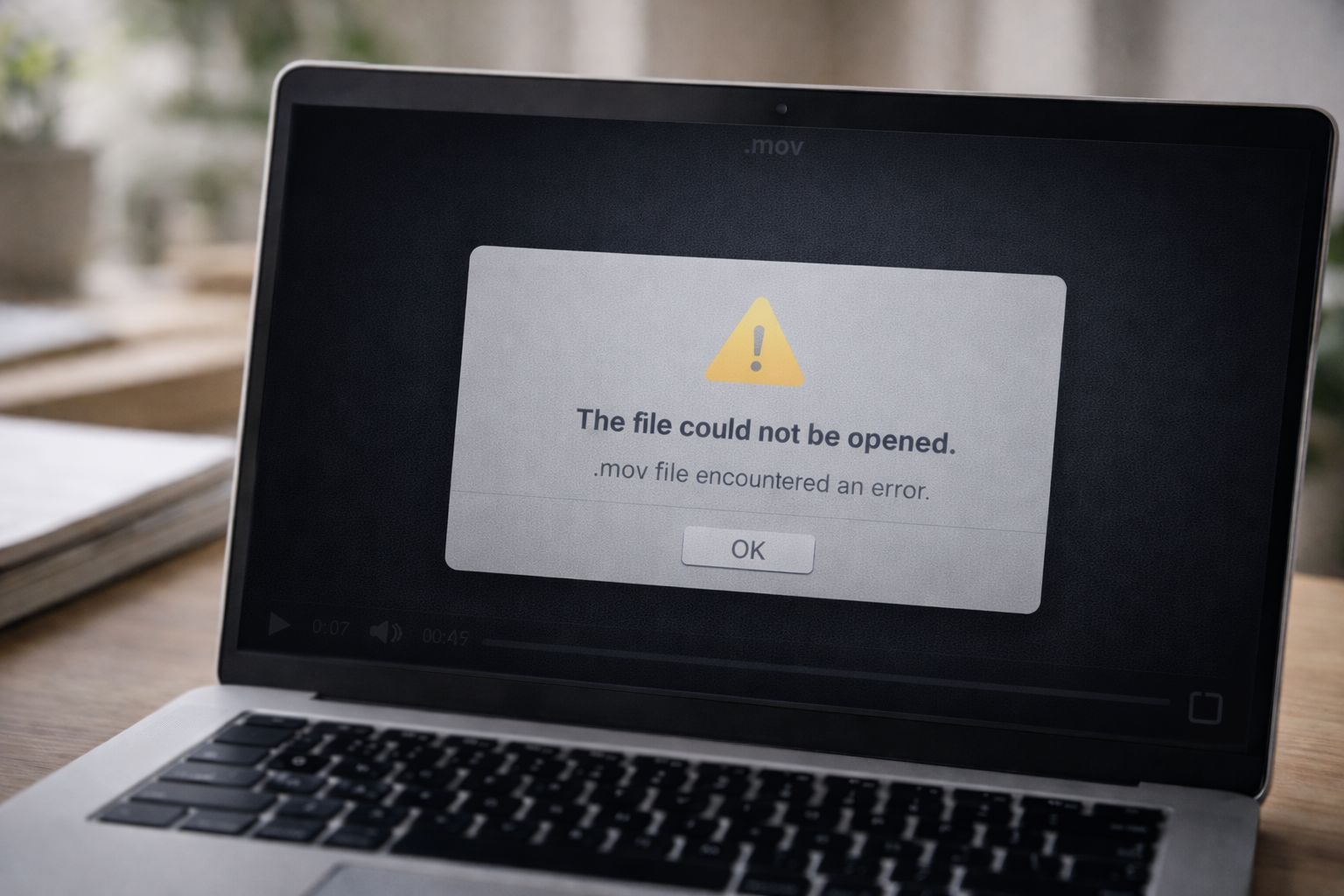
If a MOV file won’t open in QuickTime, the problem is usually one of two things: A compatibility or codec issue Structural corruption inside the file The first step is determining which category applies. Step 1: Confirm It’s Not Just QuickTime QuickTime is designed to work well with MOV files, but it can still fail
-
MP4 Video Not Playing? Common Causes and What to Try First
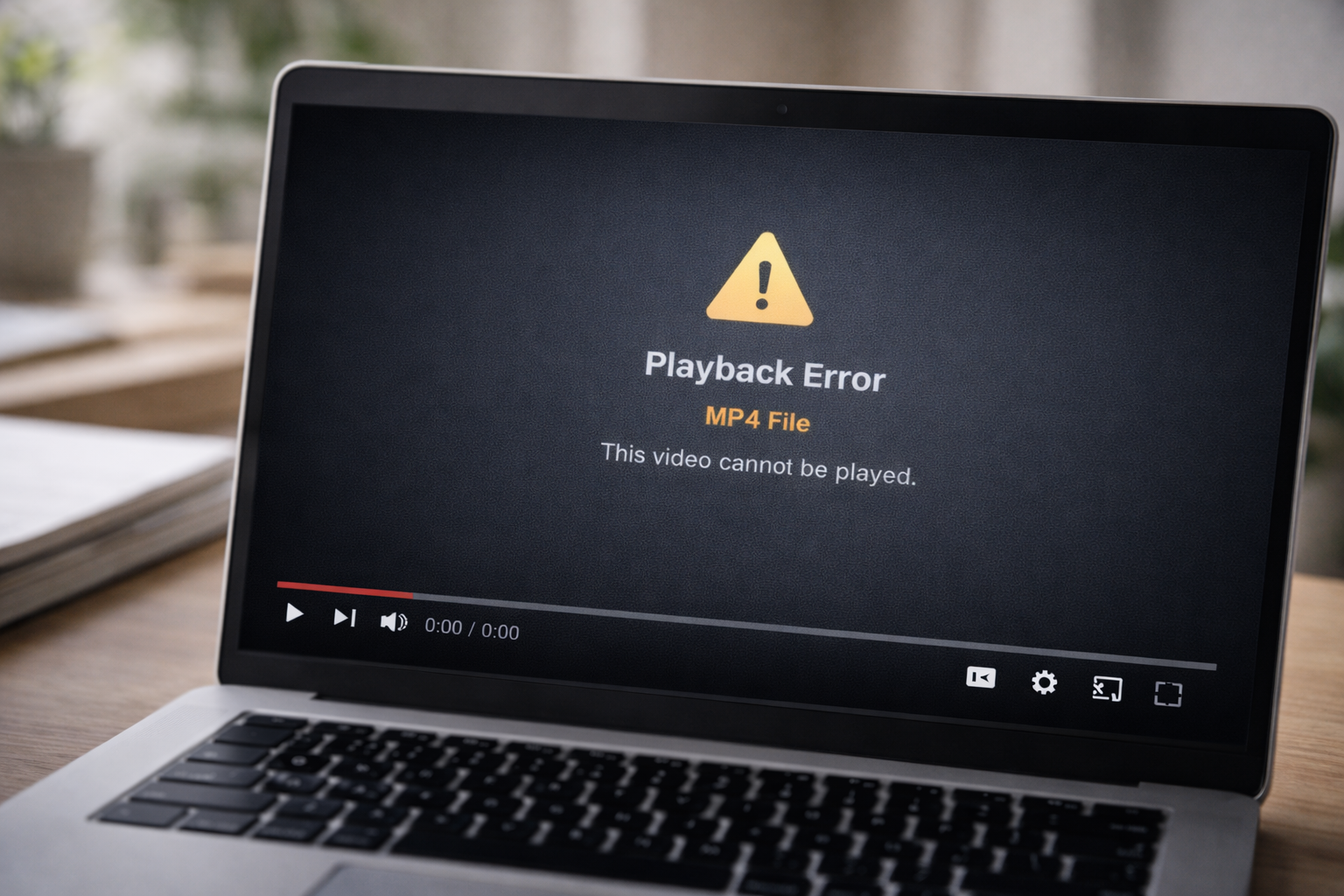
If your MP4 video file won’t play, the problem is usually one of three things: A compatibility issue A storage or transfer error Structural corruption inside the file The goal is to identify which category applies before attempting repair. Step 1: Confirm It’s Not a Player Issue Sometimes the file itself is fine. Try: Opening
-
Why Video Files Become Corrupted (And When They Can’t Be Fixed)
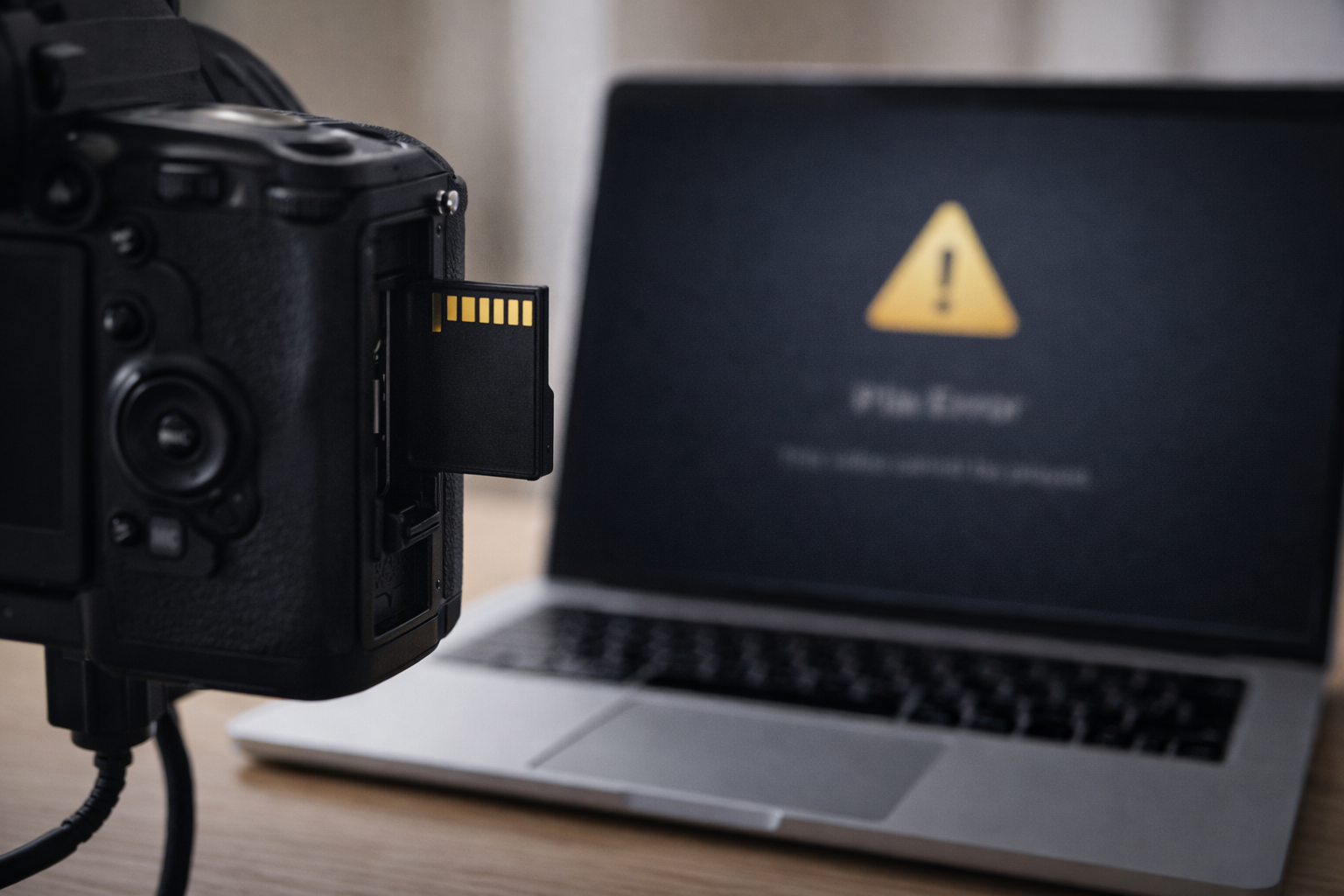
When a video file becomes corrupted, it usually means the file structure was interrupted during recording, saving, or transfer. Corruption does not automatically mean the footage is gone. In many cases, the video data still exists — but the file’s internal structure is damaged. Understanding the difference is important. How Video Files Are Structured Video
-
How to Repair a Corrupted MOV Video File
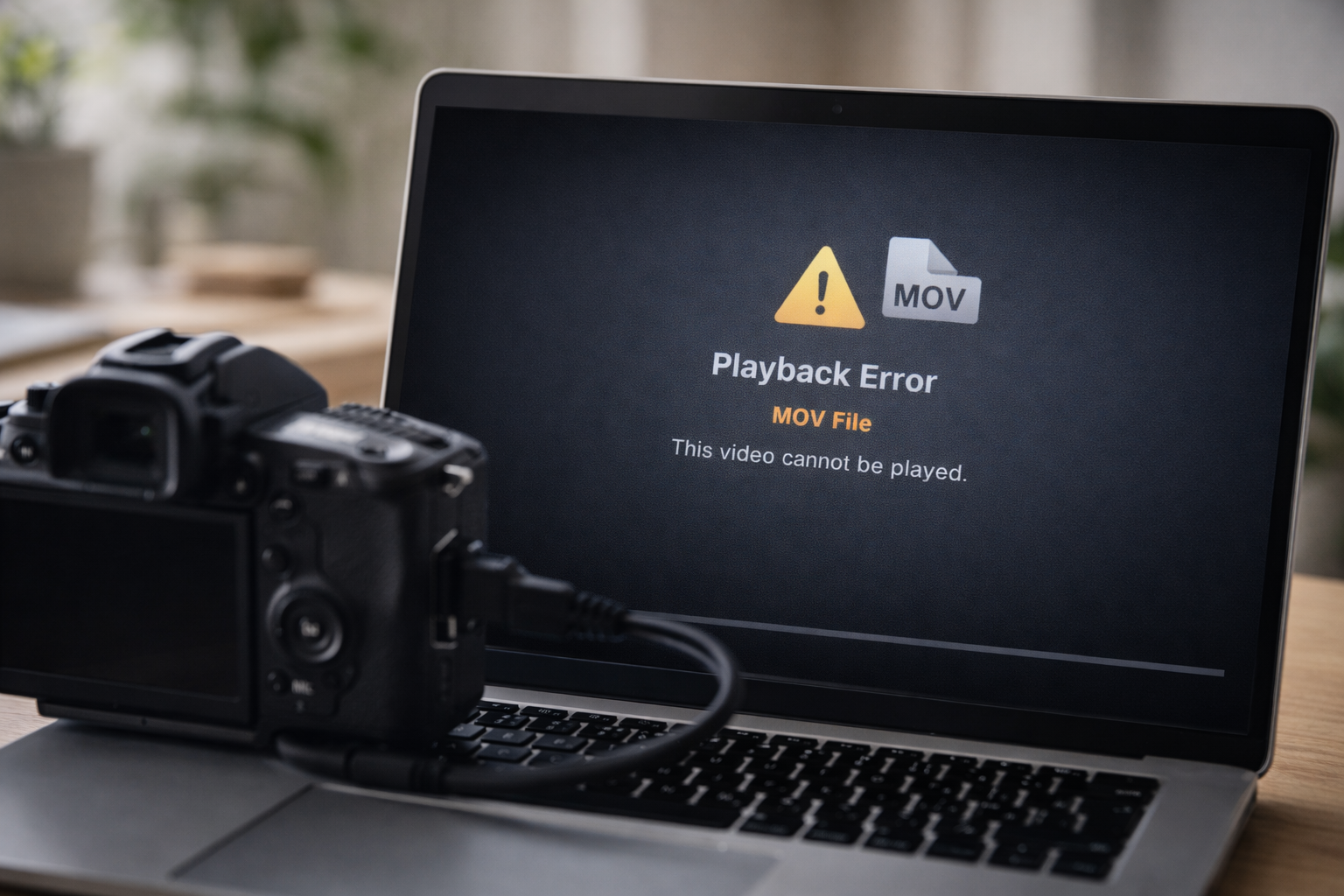
MOV files are commonly recorded on Apple devices, DSLRs, and professional cameras. When a MOV file becomes corrupted, it often fails to open, shows a black screen, or triggers a playback error. In most cases, corruption affects the file’s structure — not necessarily the entire video data. Before attempting repair, work through the steps below.
-
How to Fix a Corrupted MP4 Video File That Won’t Play
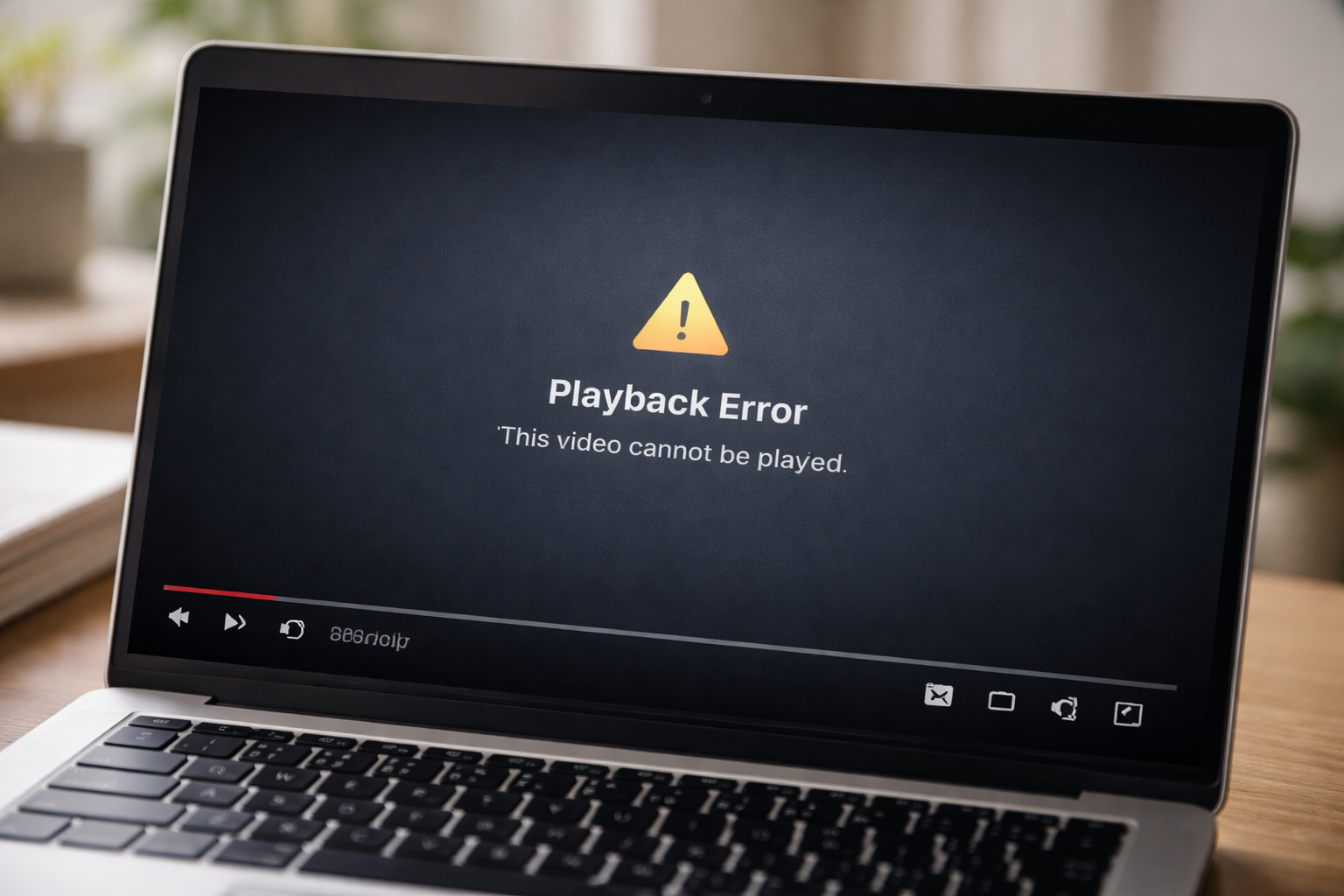
When an MP4 video file refuses to play at all, it usually means the file structure has been damaged. This can happen during recording, transfer, or storage. The key is identifying whether the file is partially corrupted or completely unusable. Before trying repair software, work through the steps below. Step 1: Check the File Size
-
Best Software to Repair Corrupted MP4 and MOV Video Files
If an MP4 or MOV video file won’t play, won’t open, or freezes part-way through, the file is likely corrupted. Video corruption usually happens when something interrupts the recording or file transfer process. This can include a camera or phone crash, power loss during recording, storage card issues, or an incomplete copy to a computer.