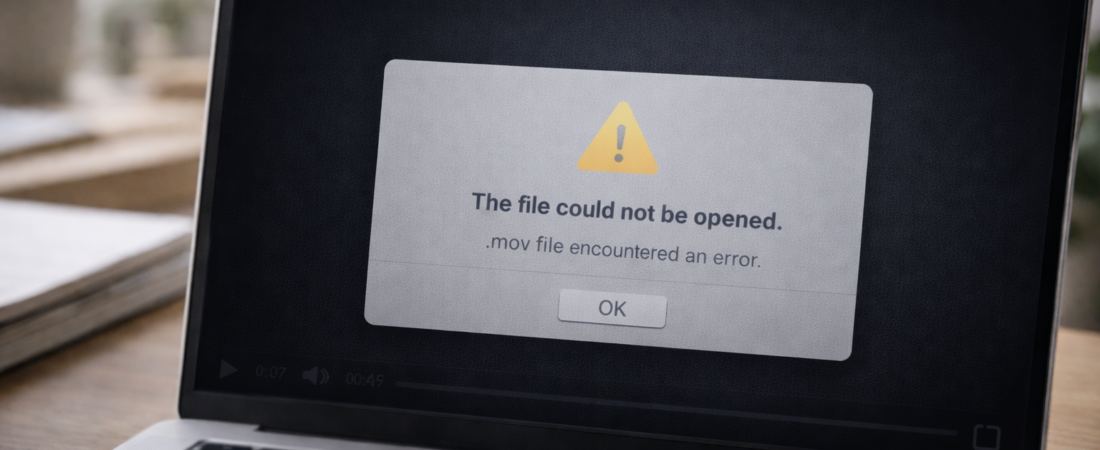
If a MOV file won’t open in QuickTime, the problem is usually one of two things:
-
A compatibility or codec issue
-
Structural corruption inside the file
The first step is determining which category applies.
Step 1: Confirm It’s Not Just QuickTime
QuickTime is designed to work well with MOV files, but it can still fail if:
-
The file uses an uncommon codec
-
The file was created on a non-Apple device
-
The QuickTime version is outdated
Try opening the file in:
-
VLC Media Player
-
Another Mac
-
A Windows computer
If the file opens elsewhere, the issue may be compatibility rather than corruption.
If it fails everywhere, continue.
Step 2: Check the File Size
Right-click the file and select Get Info.
If the file size looks appropriate for the video length, the data may still exist.
If the file size is extremely small (only a few KB), the recording likely did not finish properly. In that case, recovery is unlikely.
File size is the quickest indicator of whether repair is worth attempting.
Step 3: Consider How the File Was Created
MOV files commonly become unreadable when:
-
A camera battery dies during recording
-
A phone shuts down mid-capture
-
An SD card is removed before saving completes
-
A file transfer is interrupted
-
Storage media is failing
MOV files rely on internal metadata and indexing. If that structure is damaged, QuickTime cannot interpret the video stream.
Step 4: Try Copying the File to Internal Storage
If the MOV file is stored on:
-
An SD card
-
An external drive
-
A USB device
Copy it to your Mac’s internal storage before testing again.
Sometimes read errors from external storage mimic corruption.
If it still won’t open, the issue is likely internal to the file.
When Repair Software May Help
Repair software may be worth trying if:
-
The file size appears normal
-
The recording mostly completed
-
The file previously worked
-
The issue began after transfer
Most MOV repair tools attempt to rebuild damaged headers and index structures so QuickTime can read the file again.
They do not recreate missing footage. They reorganize existing data.
For a realistic breakdown of which tools are designed for this type of problem — and when recovery is unlikely — see Best Software to Repair Corrupted MP4 and MOV Video Files.
When It’s Unlikely to Be Fixable
Recovery is unlikely if:
-
The file is nearly empty
-
The recording stopped before saving began
-
The storage device is physically damaged
-
The file has been overwritten
If the data was never fully written, no software can reconstruct it.